Discover meals
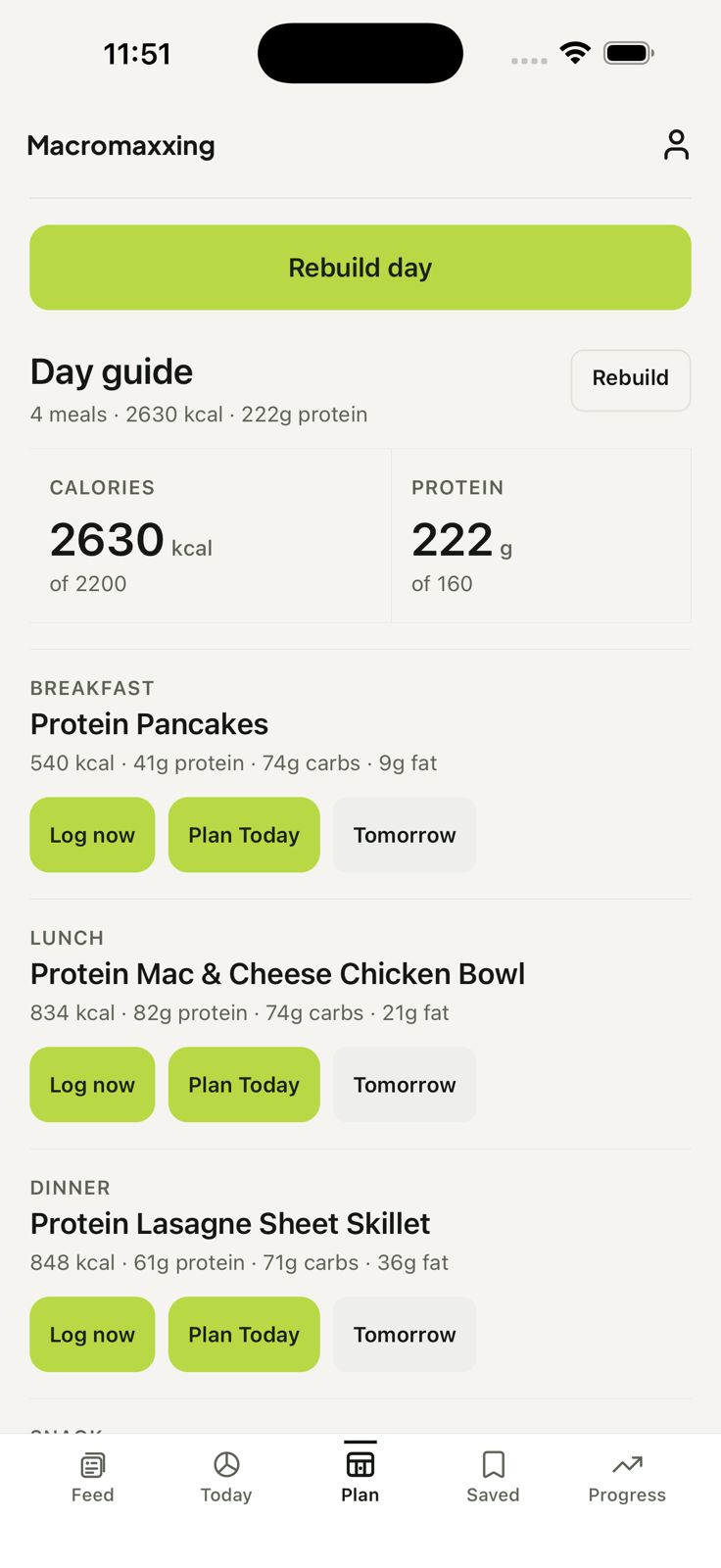
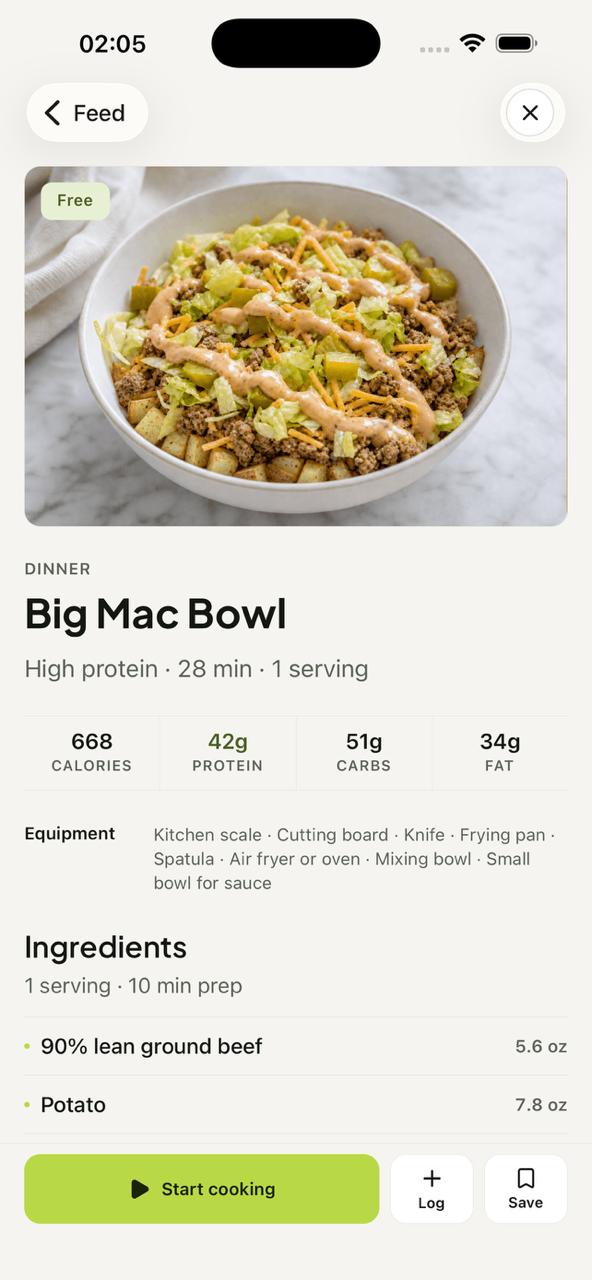
Start with food that sounds good. Recipe cards keep calories, protein, carbs, fat, timing, and serving context visible before you decide.
 Macromaxxing
Macromaxxing keeps the useful decisions connected: discover a meal, shape a day, take the ingredients with you, track the real version, and let consistency build.
Each surface answers a useful question: what sounds good, what fits, what do I need, what happened, what do I want to keep, and what should stay close to home?
Start with food that sounds good. Recipe cards keep calories, protein, carbs, fat, timing, and serving context visible before you decide.
Shape a day around the meals you want. Balanced, higher-protein, and lighter day shapes stay adjustable when plans change.
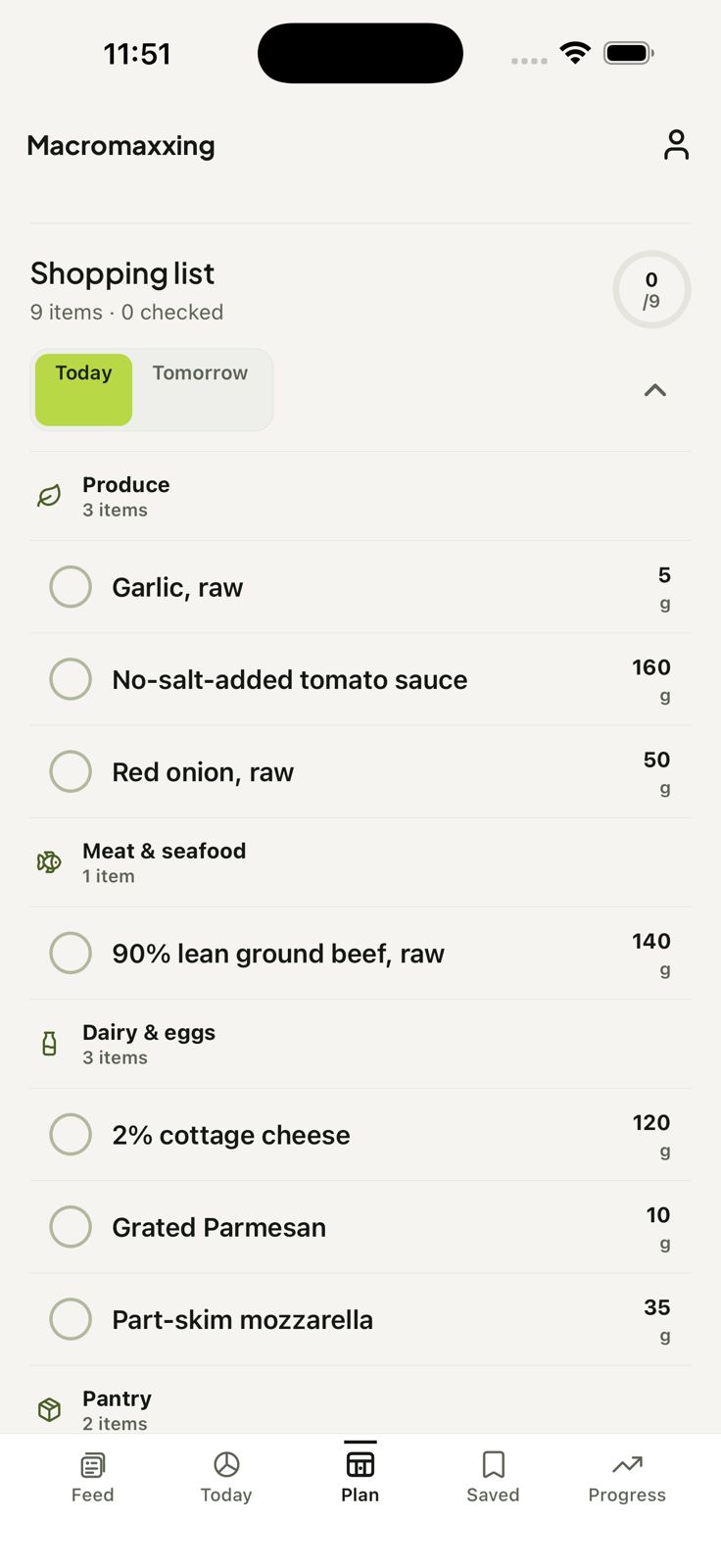
Carry planned ingredients into an aisle-organised shopping list with amounts attached to the food you chose.
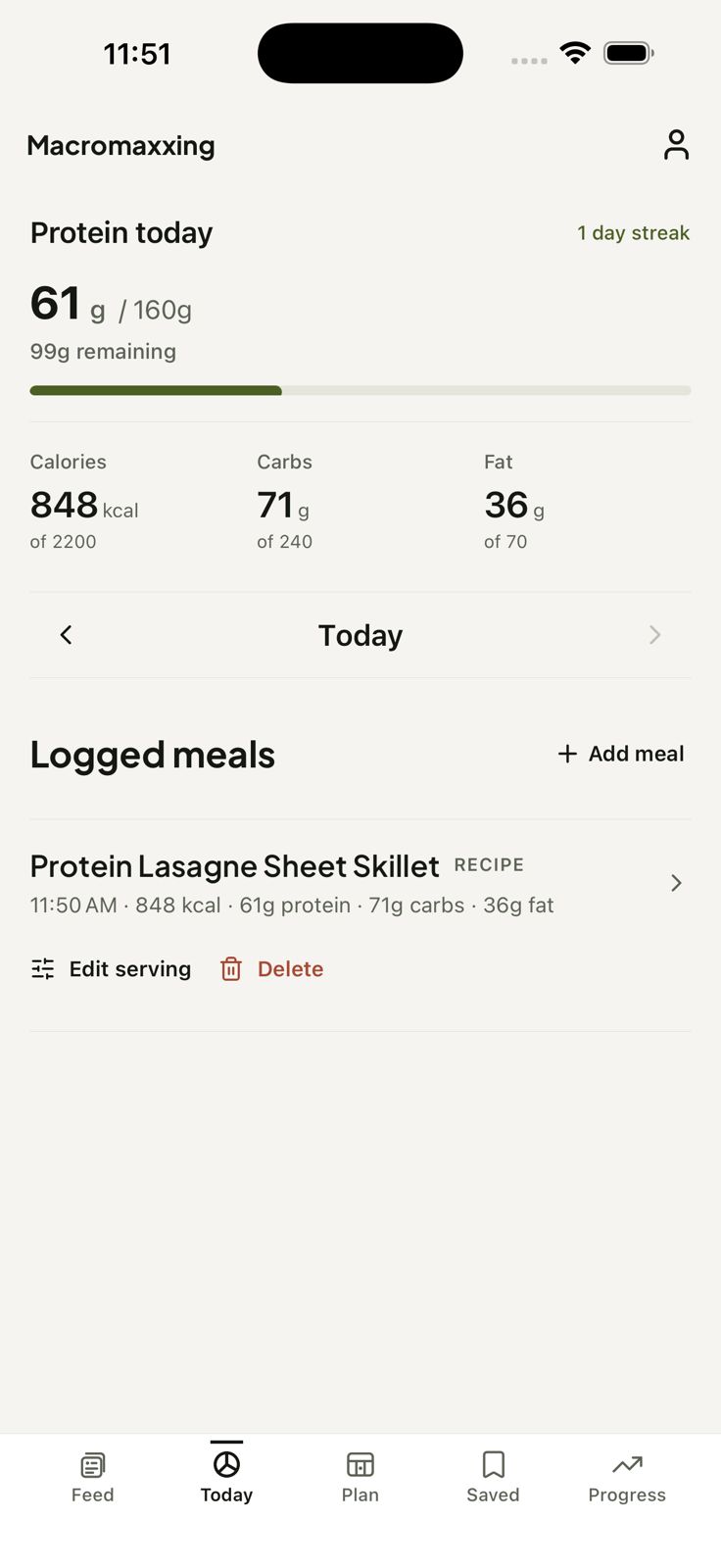
Log a recipe or use Quick Add for the meal, snack, or restaurant food that actually happened. Today keeps the numbers in view.
Keep the meals worth making again in your recipe library, ready to bring back into a future plan.
Planning, logs, saved recipes, shopping state, progress, and preferences stay close to the product, with clear provider boundaries.
Macromaxxing keeps the product language close to the decisions people actually make: what to eat, how to shape the day, what to buy, and what to do when the plan changes.
Macromaxxing is a recipe-first iPhone app that connects meal discovery, daily planning, shopping, flexible macro tracking, and visible progress.
Start with a recipe, choose a day shape, and adjust breakfast, lunch, dinner, or snacks while the useful macro context stays in view.
Yes. Ingredients from the selected day can be combined into an aisle-organised list with amounts attached to the meals you chose.
Yes. Log a recipe directly or use Quick Add for a snack, restaurant meal, or anything that did not start in the recipe library.
The Feed gives you a reason to open the app: meals that look worth making, with the useful context visible before you commit.
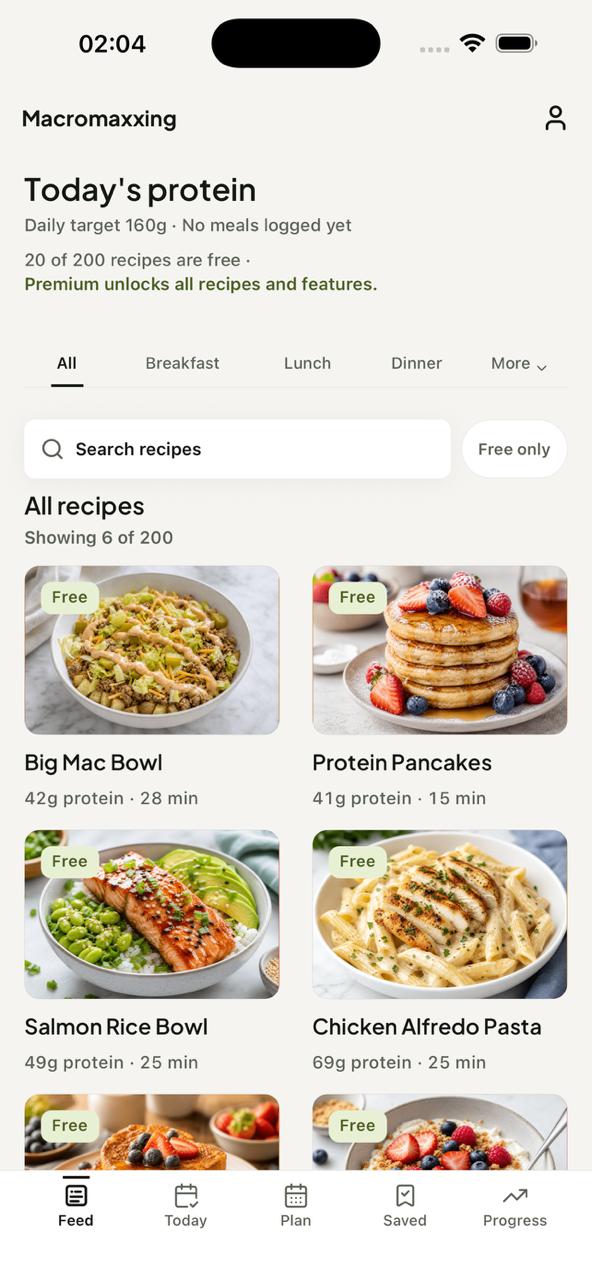
The Day Guide turns separate meal ideas into a flexible shape for the day, so the numbers support the meal instead of replacing it.
Once the day looks right, the ingredients come with it. Shopping is the practical bridge between a plan on screen and food in the kitchen.
Plans are a starting point. Today lets you log the recipe, snack, restaurant meal, or Quick Add that made the real version different.
A useful recipe should not disappear after one meal. Save the dishes worth making again, then bring them back when the next plan starts.
Planning, logs, saved recipes, shopping state, progress, and preferences stay on-device. A pseudonymous service identity is used where protected recipe access and subscription entitlements need it.
Progress and rewards sit behind the daily flow as a quieter way to see consistency, return, and the useful actions that add up.
See progress and rewards